How to handle tenant maintenance requests
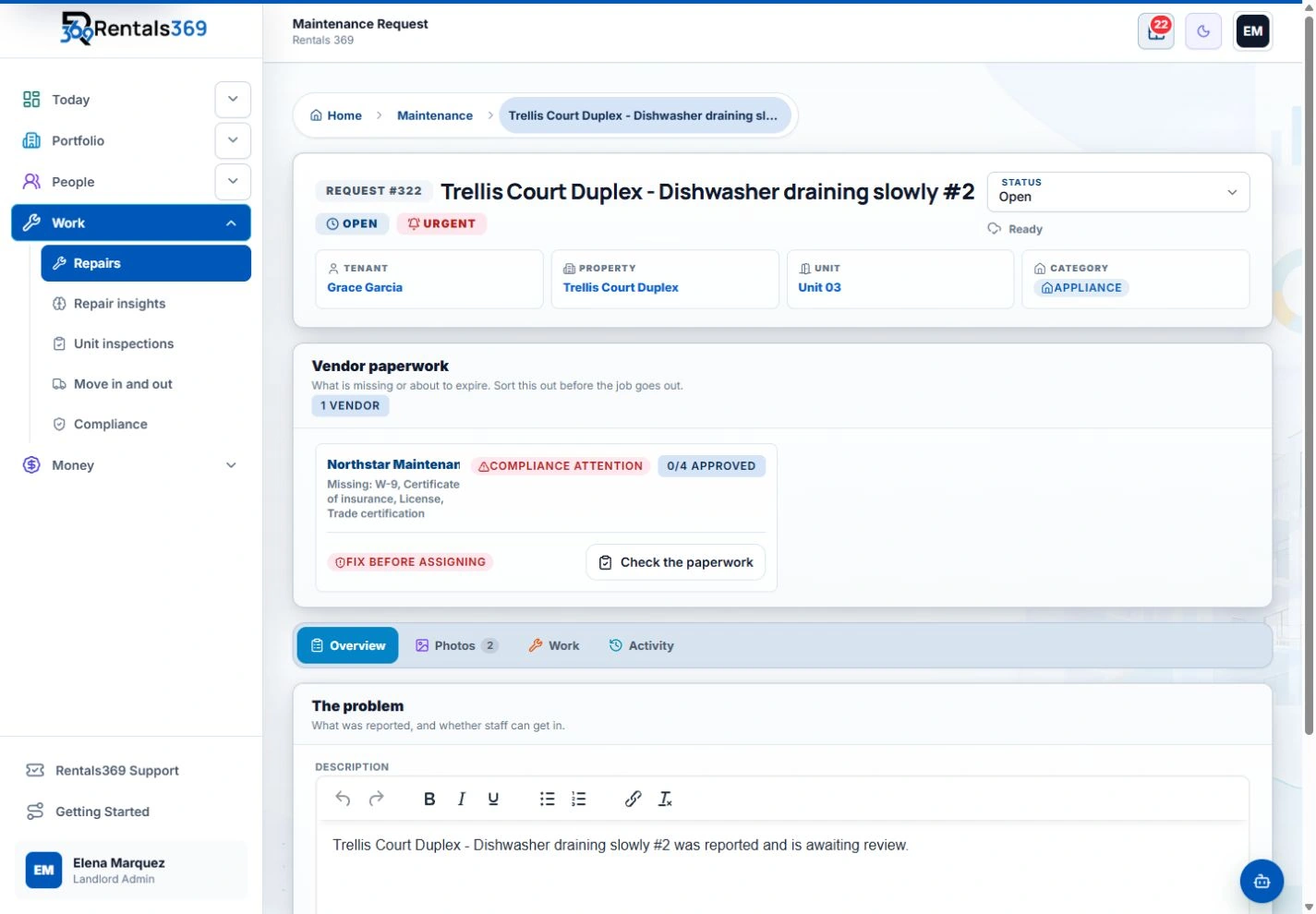
Repair requests arrive by text, phone call, email, and a knock on the door. A simple routine, with one place to report repairs and a written record of each request, keeps repairs moving and gives you a history for every unit.
Give tenants one way to report a repair
Choose one channel for repair requests and tell every tenant what it is, in the lease and again at move-in. A web form, a tenant portal, or a single email address all work, as long as each request becomes a written, dated record. When a tenant calls or texts anyway, write the request into the same place yourself.
Emergencies need a faster path. Tell tenants what counts as one, such as a gas smell, flooding, no heat in cold weather, or an outside door that will not lock, and give them a number that someone answers.
Ask for the details you need the first time
A message that says "the sink is broken" usually needs a second message before anyone can act. Ask for these details when the request comes in:
- the unit and the room
- what is wrong and when it started
- whether it is getting worse, for example a leak that is spreading
- photos or a short video
- good times for a visit, and any pets in the unit
- whether someone may enter when the tenant is not home
Photos help you judge how urgent a problem is, and they often tell a vendor which parts or tools to bring. Entry and notice rules vary by state and city, so give the notice your lease and local law require before anyone goes in.
Set a priority
Give each request a priority level and write it on the request. A simple scale has three levels:
- Emergency: a risk to people or serious damage to the building. Act the same day.
- Urgent: a problem that affects living in the unit or will get worse, such as a broken refrigerator or a slow leak. Schedule it within a day or two.
- Routine: everything else, such as a loose cabinet door. Schedule it at a normal pace.
Your lease or local law may set deadlines for some repairs, such as heat or water. Those deadlines come first.
Send the job to the right vendor
For anything you do not fix yourself, send the vendor the request details, the photos, and how to get in. Ask when they can come, then confirm that time with the tenant. Keep a short list of vendors by trade, with their insurance and license documents on file where your area requires them.
For vendors you use often, agree in advance on an amount they can spend without checking with you first. Small jobs then keep moving while you are busy, and anything larger still comes back to you.
Keep the tenant updated
Tell the tenant when you have the request, when a vendor is booked, and when the work is done. A short message at each step answers the question before the tenant has to ask it. If a job is delayed, for example while a part is on order, say so and give a new date.
Close the loop
When the vendor finishes, ask for a note of what was done and a photo of the result. Check with the tenant that the problem is fixed before you mark the request complete, then file the invoice and record the cost.
Schedule routine checks
Some repairs can be avoided with checks done on a calendar: furnace filters, smoke detector batteries, gutters, and dryer vents. Record each check the same way as a repair request, so the unit's history covers routine work as well as repairs.
Keep the record
File each request with the unit it belongs to: the original message, photos, priority, vendor, dates, cost, and the tenant's confirmation. Over time the record shows problems that keep coming back and helps you plan replacements before an appliance fails.
The record also helps at move-out, when you need to know what was repaired during the tenancy. The guide to move-in and move-out inspections covers that step.